YKTClient accesses questions generated from the source document
set test parameters and Start
select the answer you believe is correct and then Next Question
at the end, test results
session results with detailed explanation of incorrect answers
learning statistics
final screen
Your exams, just a QR code away.
The instant exam center for the end user
YKTClient is the destination point of the YKT ecosystem, the web application designed to eliminate the distance between the study text and skills verification.
⚡ Frictionless Access
No registration forms, no passwords to remember. Access is immediate and ensures maximum privacy.
🔗 Real Omnichannel Experience
Whether arriving from a direct link, a digital catalog, or a QR code printed on paper, users are always just one click away from their test.
📱 Mobile-First Design
Designed to adapt perfectly to any screen, allowing students and candidates to practice anywhere with total mobility.
Use Cases: The on-the-field exam experience with YKTClient
YKTClient’s frictionless architecture eliminates any barrier to entry, transforming any moment and any medium—whether physical or digital—into an immediate opportunity for study and self-assessment.
📖 Integrated university and school study
The Scenario: The student is reviewing a chapter from a printed textbook purchased at a bookstore and wishes to instantly check their level of preparation.
The YKTClient Experience: Without needing to put down the book to turn on a PC or navigate complex portals, the student takes their smartphone, scans the QR code printed at the end of the chapter, and is instantly inside YKTClient. They complete the customized set of questions and receive immediate feedback, making studying seamless, modern, and interactive.
⏱️ Simulation for public exams and professional licensing tests
The Scenario: A candidate needs to prepare for a public competitive exam and has only a few minutes of free time during the day (for example, on the train or during a lunch break) to run a simulated test with multiple-choice questions.
The YKTClient Experience: They receive a direct link (index.html?id=…) via chat, email, or from the training institution’s portal. They click it, and the test starts instantly, perfectly optimized for their phone screen. Because they don’t have to waste time registering, recovering forgotten passwords, or confirming an email address, they use 100% of their time practicing with the exam database.
👥 Assessment and certification sessions in the classroom (Training Entities)
The Scenario: A teacher or examiner is in the classroom (or in a synchronous online session) and wants to launch an immediate check of the class’s skills on a specific study material distributed at that very moment.
The YKTClient Experience: The teacher projects the QR code generated by YKTPublisher onto the room monitor. Everyone present in the classroom scans it simultaneously with their own devices. In less than three seconds, the entire class is connected and taking the same test under total anonymity and privacy, without the administration office having to pre-create accounts for each participant.
Do I need to create an account or register to take a test?
No, not at all. YKTClient is designed to be Zero-Friction. End users (students, readers, or candidates) do not have to fill out registration forms, enter personal data, or remember passwords. Access to tests is immediate and anonymous, ensuring maximum speed of use and respect for privacy.
How do I access an exam test?
Access is immediate and can be done in two different ways, depending on how the publisher or the entity decided to distribute the test: 1- QR Code: Simply scan with the smartphone camera the QR code printed on the book or study material. 2- Direct Link: By clicking on a customized web link (for example, sent by email, WhatsApp, or integrated into a learning platform).
Does YKTClient also work on smartphones?
Yes, the platform was developed with a Mobile-First approach. The interface adapts fluidly and responsively to any type of screen (smartphone, tablet, or PC), allowing candidates to practice and simulate exam tests at any time and with total mobility.
What happens if I close the browser page during a test?
Don’t worry! YKTClient is a resilient web application. If the session is accidentally interrupted (or if the page is reloaded), the application is designed to preserve the state of the test thanks to the unique identifier of the exam thread, allowing the user to resume it exactly where they left off, without losing the simulation progress.
Does the application require installing modules or apps from the store?
No, YKTClient is a full-fledged web application. It does not require downloading anything from Google Play or Apple App Store, eliminating the risk of incompatibilities with older smartphones. It works directly within the device’s default web browser (Safari, Chrome, Firefox, etc.), reducing the need for technical support to zero.
How are quiz results displayed?
As soon as the user finishes the test and clicks “Submit”, YKTClient processes the answers instantly. The student immediately receives a clear report with the score obtained, indications of correct and incorrect answers, and multiple-choice options, offering an immediate and powerful self-assessment tool.
Is there any cost for the student to use YKTClient?
No, for the end user (student, reader, or candidate) YKTClient is completely free.
Scroll to Top
Utilizziamo i cookie per ottimizzare la tua esperienza su YKT Platform e analizzare il traffico. Cliccando su 'Accetto', acconsenti al loro utilizzo.

 log in with URL from QR code
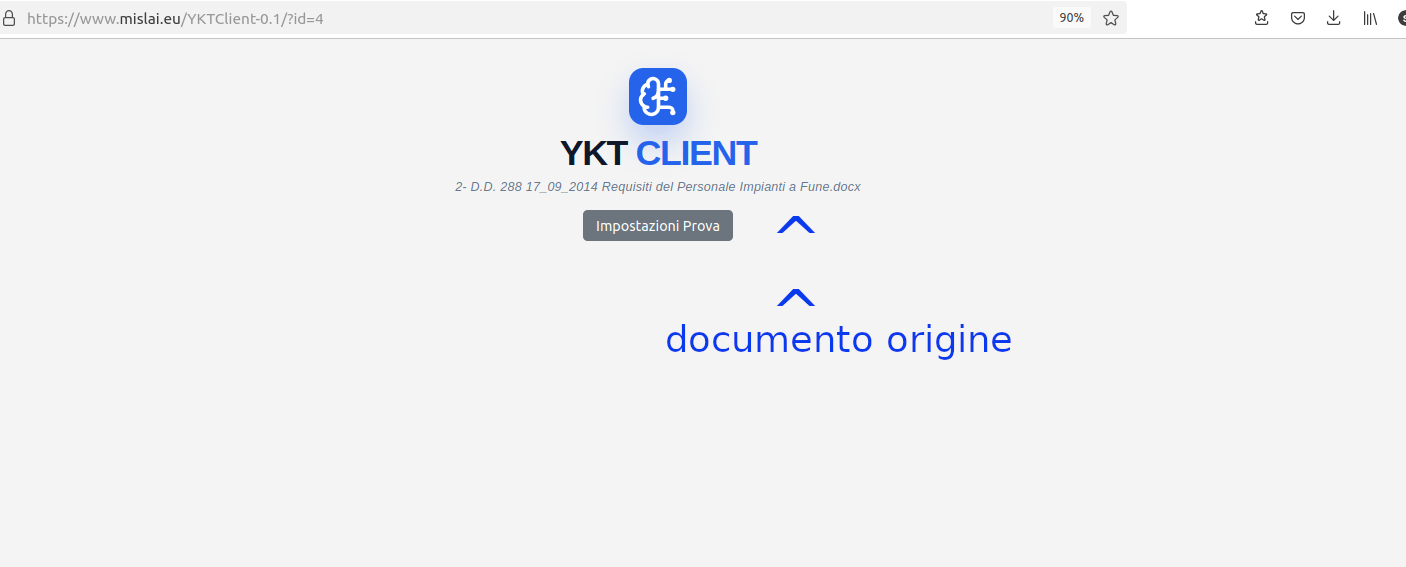 YKTClient accesses questions generated from the source document
 set test parameters and Start
 select the answer you believe is correct and then Next Question
 at the end, test results
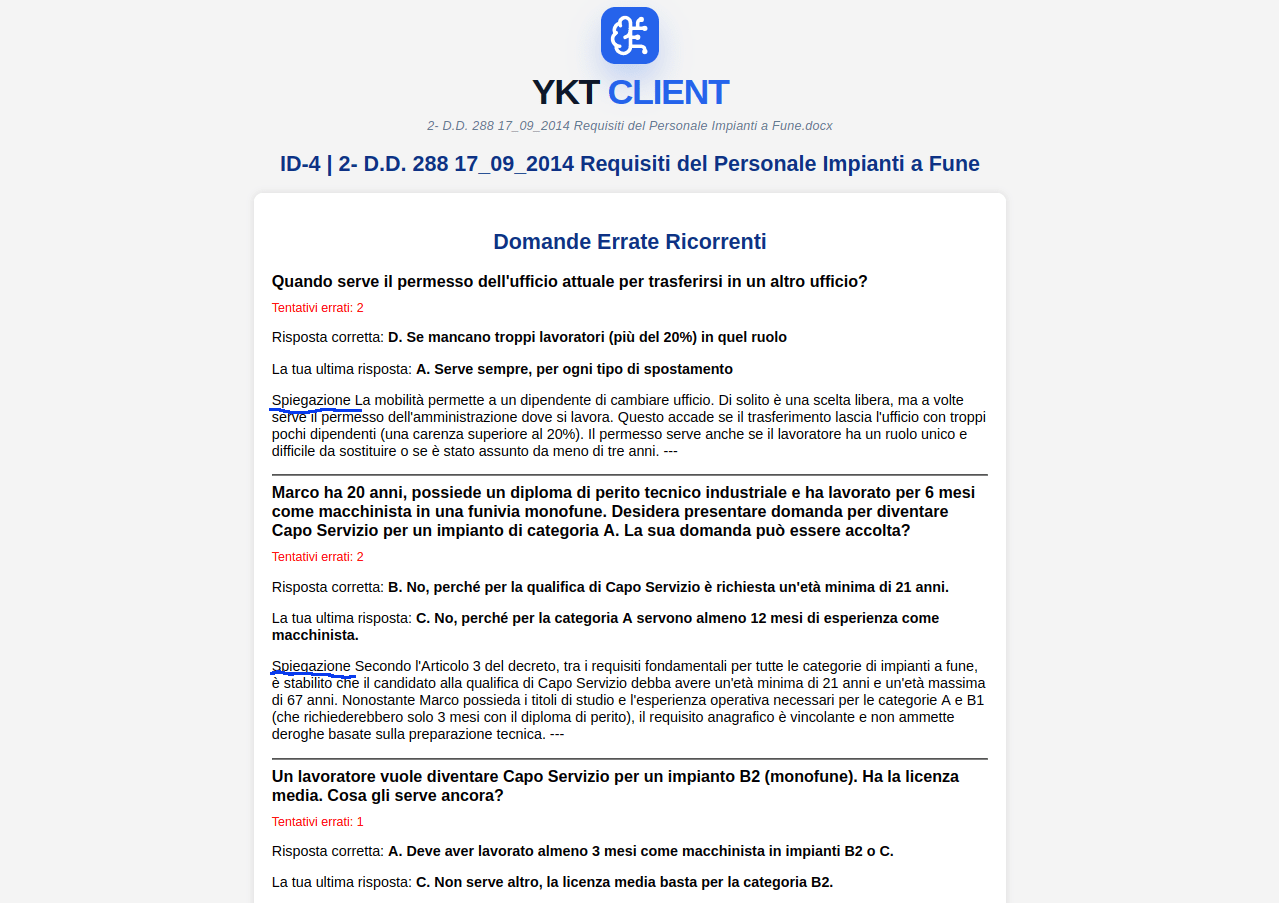 session results with detailed explanation of incorrect answers
 learning statistics
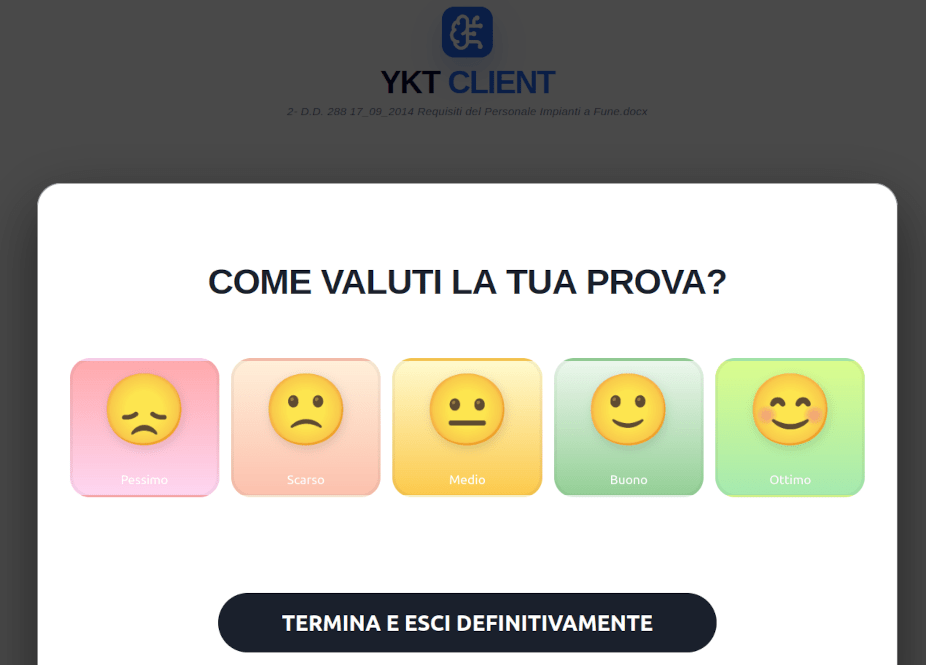 final screen